Preply — language tutors
Personally, I use Preply for language learning. If you want to try an online tutor, our link includes 70% off the trial lesson. We earn a small bonus if you go on to paid lessons - it helps to keep the site running.
Free · runs in your browser
A free, browser-based tool for drawing word-to-word and morpheme-to-morpheme links between stacked lines of text: bilingual glosses, interlinear annotations, classroom handouts, and social posts. Everything runs in your browser; your sentences are not stored on our servers unless you choose to share them.
A short walkthrough of building an alignment from scratch.
How it works
A sentence and its translation, one per line. Add more rows for a gloss or an IPA transcription whenever you need them.
A curved connector draws the link. Link one word to many, and let connectors cross freely when the translation reorders the words.
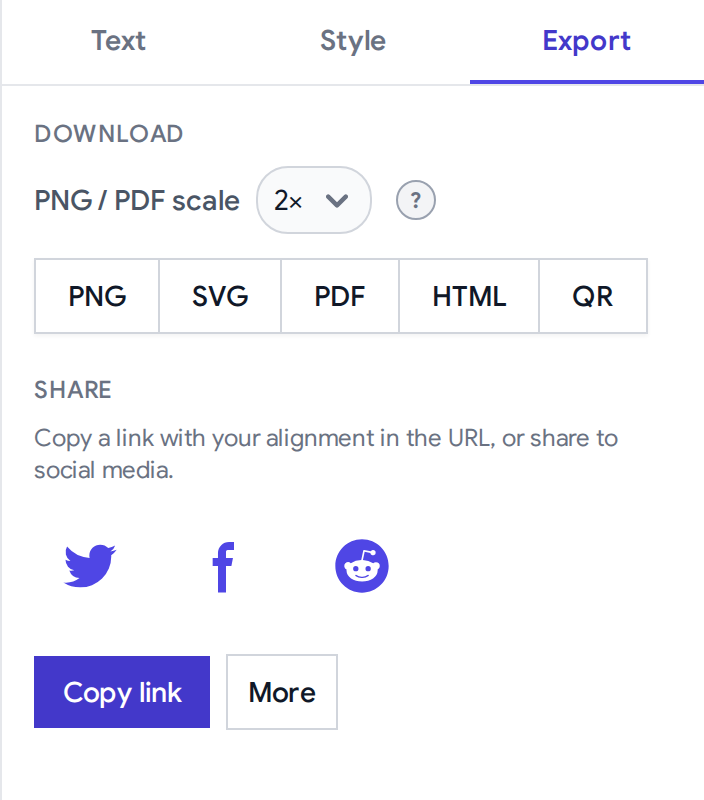
Download PNG, SVG, PDF, or a self-contained HTML file, or copy a link that reproduces every word box and connector.
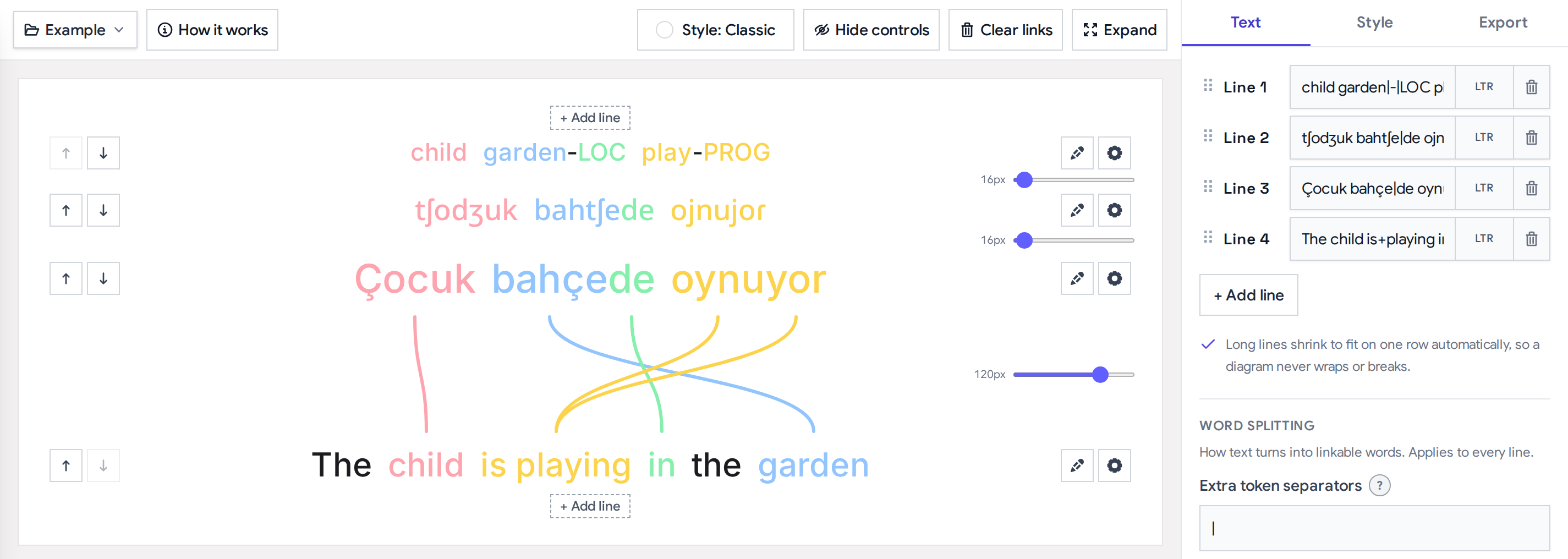
The diagram
Each sentence keeps its own line and the connectors draw between them, so reordering, splits, and dropped words stay obvious instead of being flattened into a stacked gloss.
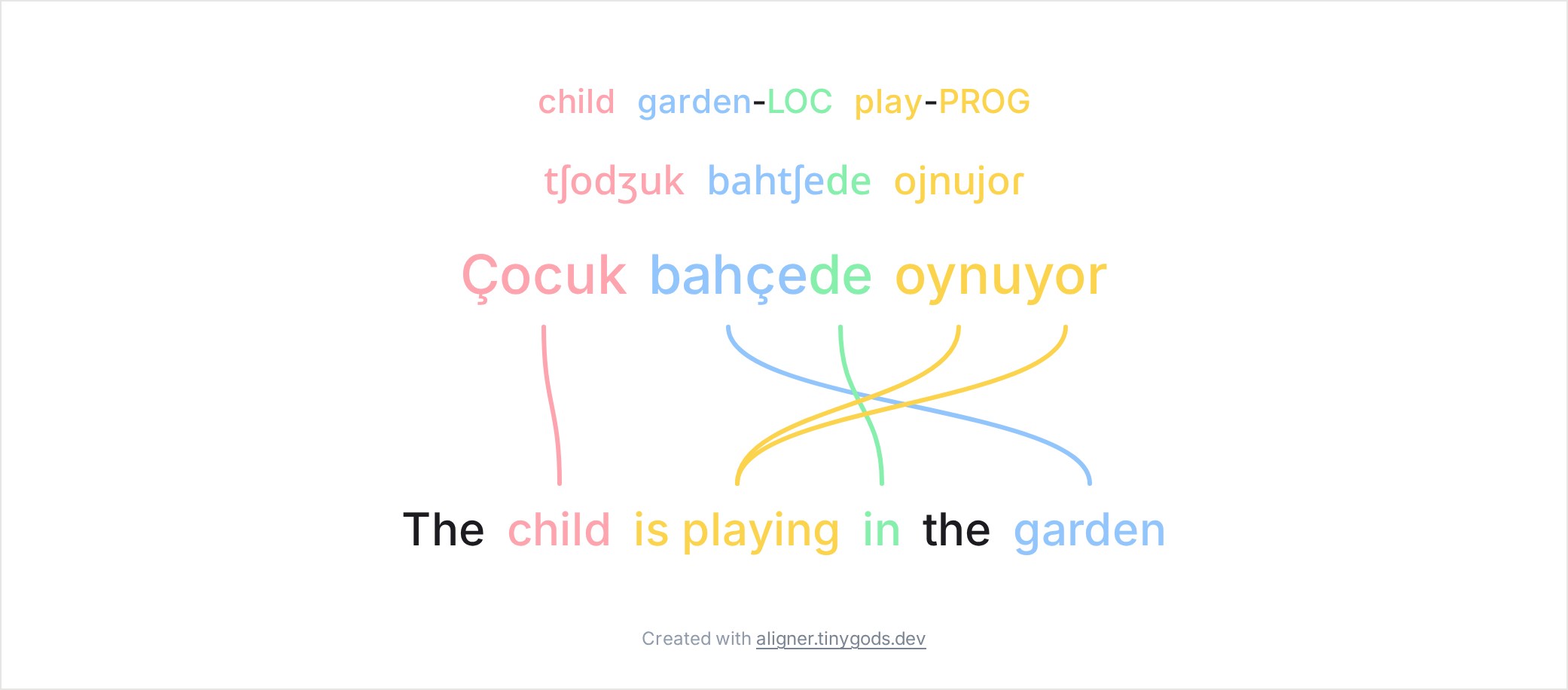
Features
No machine translation. One-to-many and many-to-one connectors, crossing freely for reordered translations, so the alignment stays yours and stays accurate.
Stack a morpheme-by-morpheme gloss or an IPA row above or below any line for Leipzig-style interlinear layouts.
Hebrew and Arabic sit alongside left-to-right text, with direction set per line.
Stand the diagram up as columns for Japanese tategaki, Chinese, or Mongolian. Characters stack or the line rotates, per line, so a horizontal translation stays readable beside it.
Set font, size, and word spacing on each line, from Google Fonts or an uploaded file. Exports keep custom-font shaping.
Choose how text splits into linkable words: extra separators for morpheme boundaries and a join marker for fixed expressions.
PNG, SVG, PDF, and self-contained HTML, plus a QR code, all matching what you see on screen.
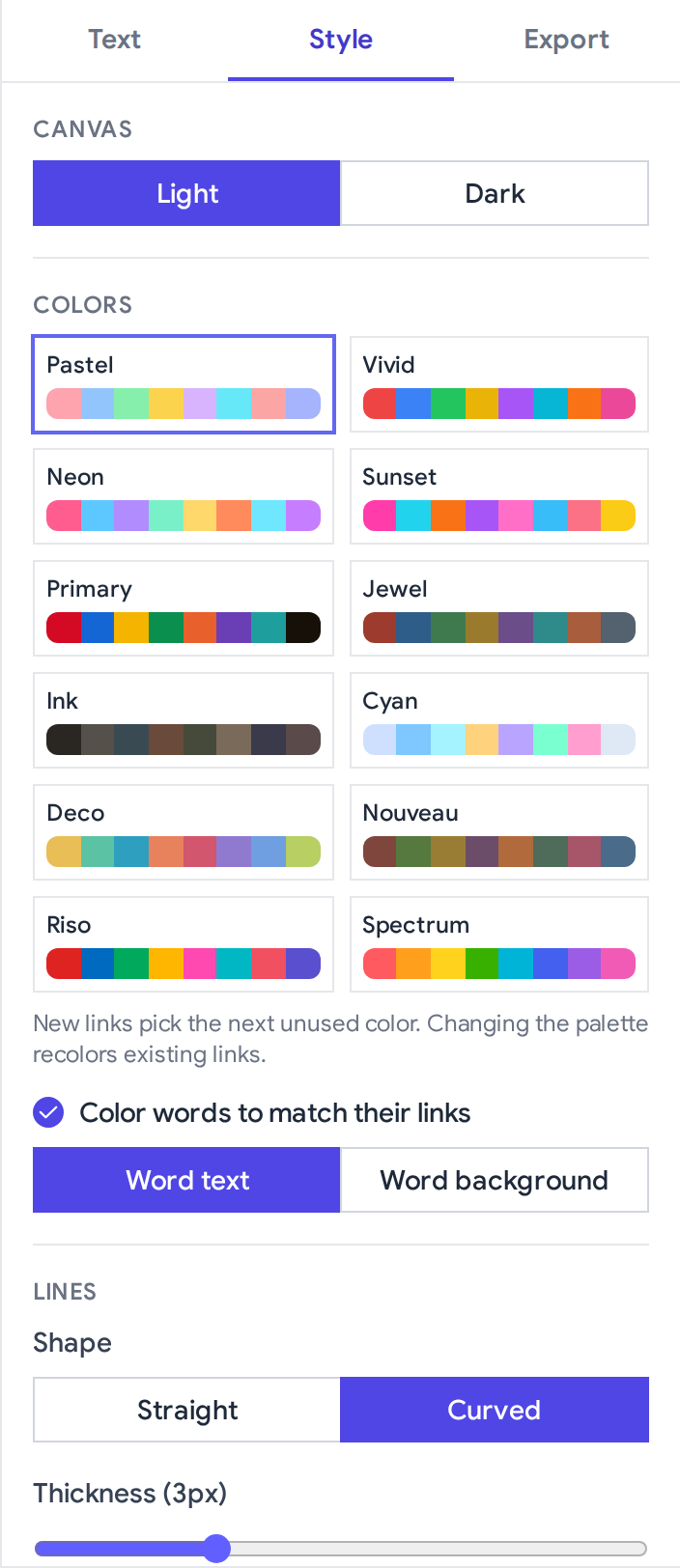
Twelve color palettes, curved or straight connectors, light or dark canvas, and word colors that follow the links.
The whole diagram lives in a shareable URL, so there is nothing to save, no backend storage, and nothing to sign up for.
A free HTTP API, an MCP server, and an installable skill let an AI assistant build a diagram from a plain request.
A closer look
Examples
The gallery covers bilingual pairs, interlinear stacks, right-to-left scripts, and tricky word-splitting cases. Open any one in the editor and adapt it.
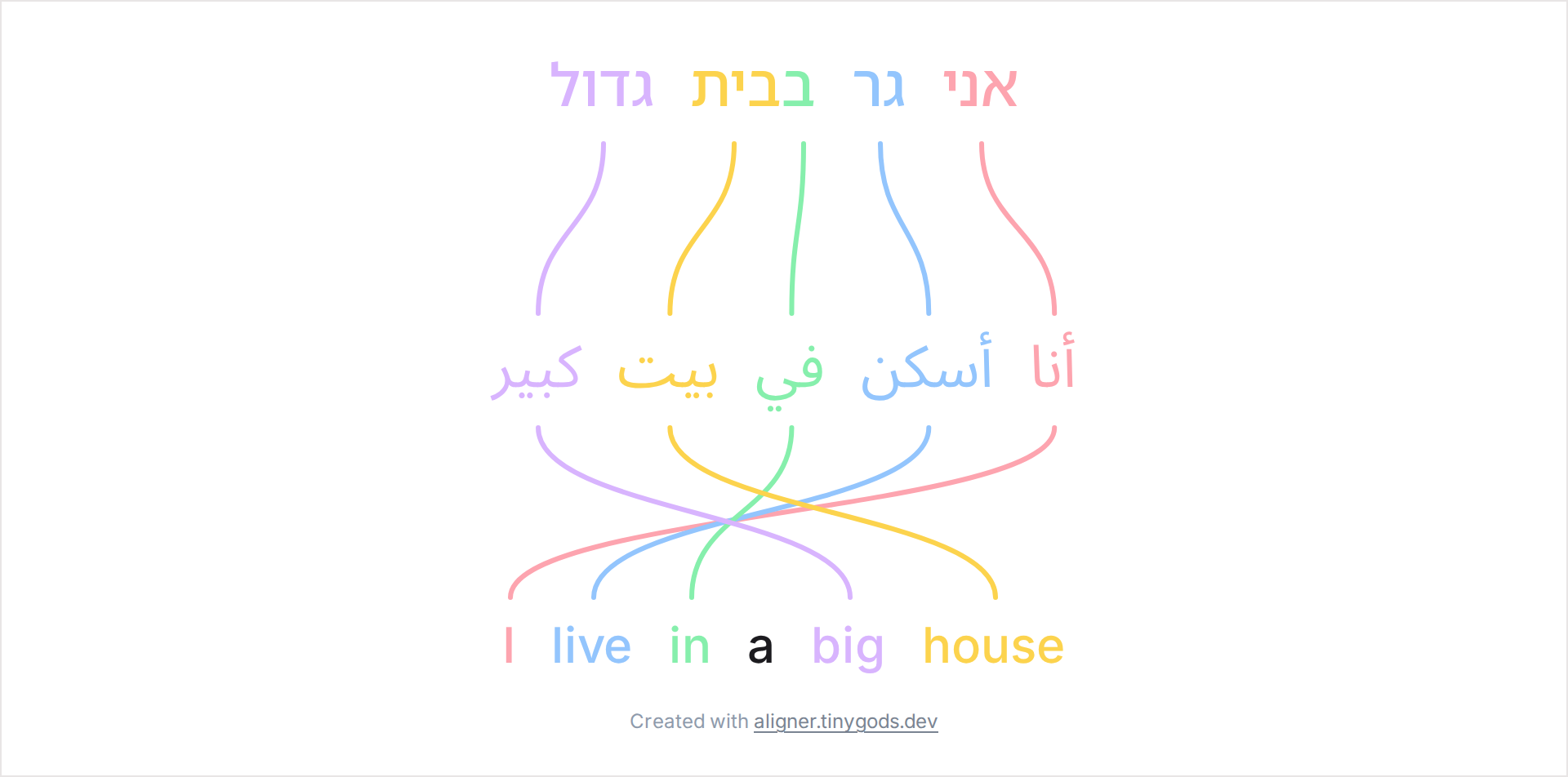
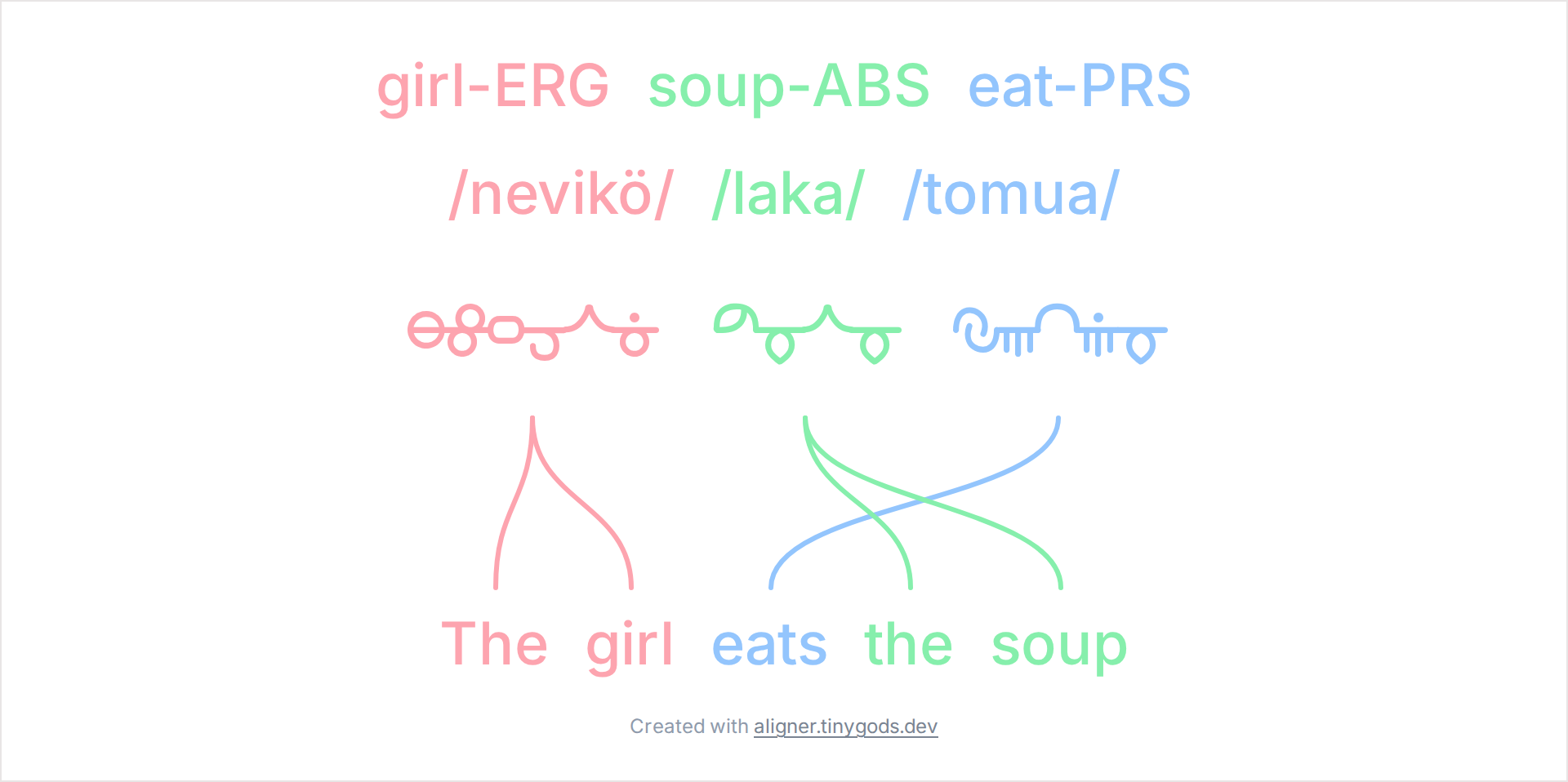
Origin
Word Aligner started in the conlang community. People who invent languages like to post word-by-word breakdowns of a sentence to show how the grammar works, and there was no real tool for it. They lined up words and drew arrows by hand in Paint or PowerPoint, in whatever was open. It looked rough and took an afternoon.
So this became a single editor: type two lines, click a word and then its match, and a connector draws itself. Add a gloss or an IPA row, use a custom font for your script, and export a clean image or share the link. It caught on in the conlang subreddit first, then language teachers and linguists picked it up for the same reason. Seeing which word became which is useful well beyond conlanging.
Word Aligner stays free and without aggressive ads. Hosting and ongoing upkeep still have a cost, so I add a few optional partner links. Use them if you were already considering the service, it helps keep the site running. The referral bonuses come from the provider. These are services I use myself.
Personally, I use Preply for language learning. If you want to try an online tutor, our link includes 70% off the trial lesson. We earn a small bonus if you go on to paid lessons - it helps to keep the site running.
This project is deployed on Railway. For me it works like a charm: I just add my repo and Railway builds and deploys it by itself. This link gives $20 in credits. No pressure - use if it fits your stack.
Cursor is my main AI coding tool. If you were going to try it anyway, this referral gives new accounts 50% off the first month of Pro, Pro+, or Ultra (per Cursor’s current offer).
Sometimes I have trouble with money transfers in my country. Wise worked for me without too much hassle. With this invite, new sign-ups get a fee-free first transfer up to roughly US$600 equivalent.
Word Aligner is built by Dani Polani, a fantasy author, the creator of the constructed language Lemu Teloku, and a maker of tools for conlangers and linguists. A psychologist and linguist by training and a self-taught developer, Dani builds small, focused tools and likes automating the tedious parts.
The same attention to interlinear glosses and Leipzig-style conventions that goes into documenting a constructed language shaped this tool. Alongside the language work there is a wider creative world of drawings, an encyclopedia of Lemu Teloku and its setting, and other handmade art projects. Offline, Dani is fond of literature, nineteenth-century technology, cats, and seals.
More of Dani's work and tools: danipolani.github.io.
Questions and feedback about Word Aligner go to the #aligner-support channel on Discord.
You can also use the or write to dani@tinygods.dev.
We do not run accounts or store your text on our infrastructure. Details on analytics, feedback, and fonts are in the privacy policy.
No account, no machine translation. Open the editor and link two words to see how it feels.